Mealie documentation
Self-hosted recipe management and meal planning
Find instructions for installing, configuring, and using Mealie, along with the API reference and contributor guides.
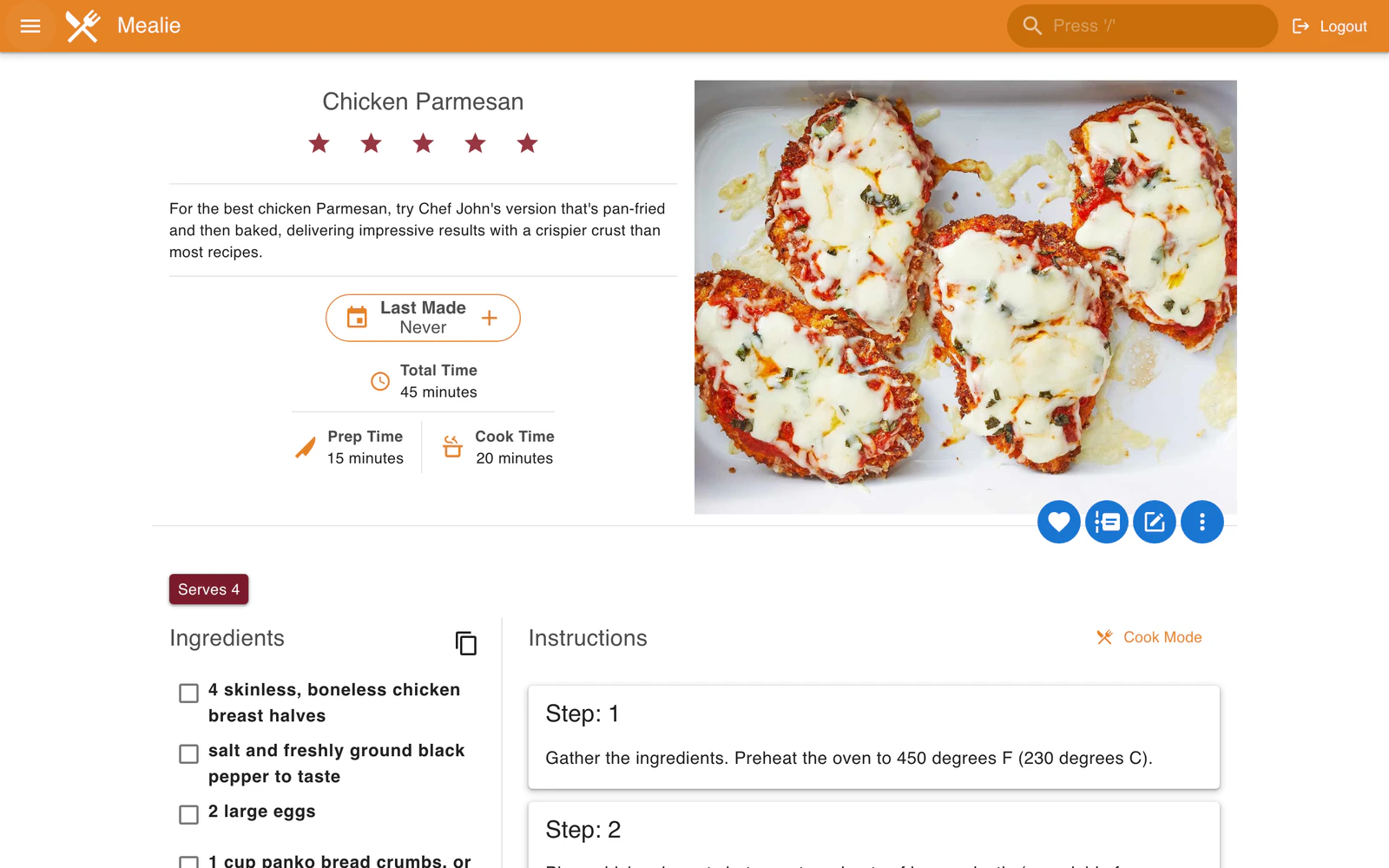
Installation
SQLite is the default and works for most installations. Use PostgreSQL for network storage, many concurrent users, or fuzzy search.
Creating recipes
Import a recipe from a URL, paste structured HTML or JSON, or enter it by hand.
Recipe creation demo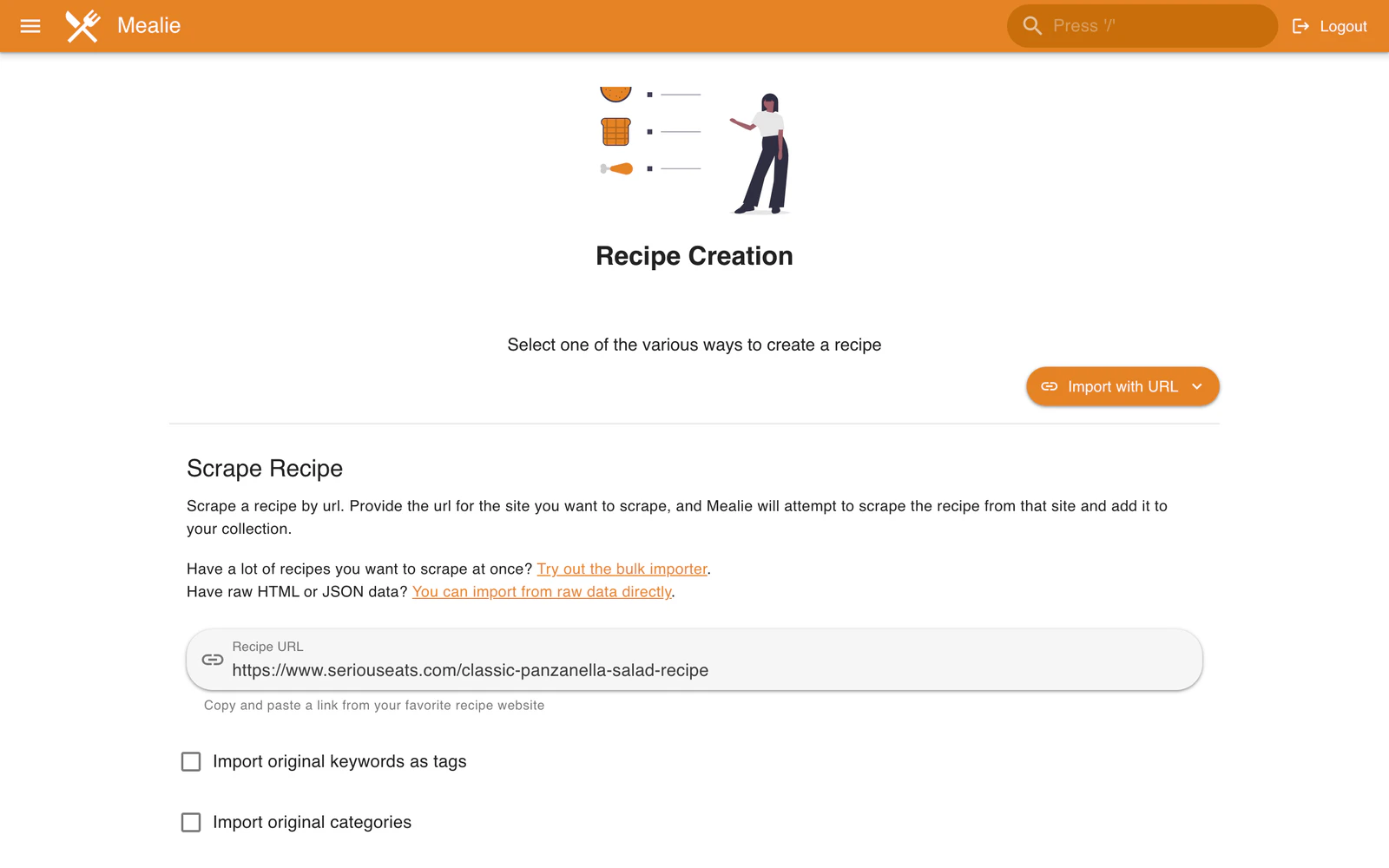
Meal planning
Choose recipes on a calendar, add notes, or let Mealie pick a random recipe.
Meal planner demo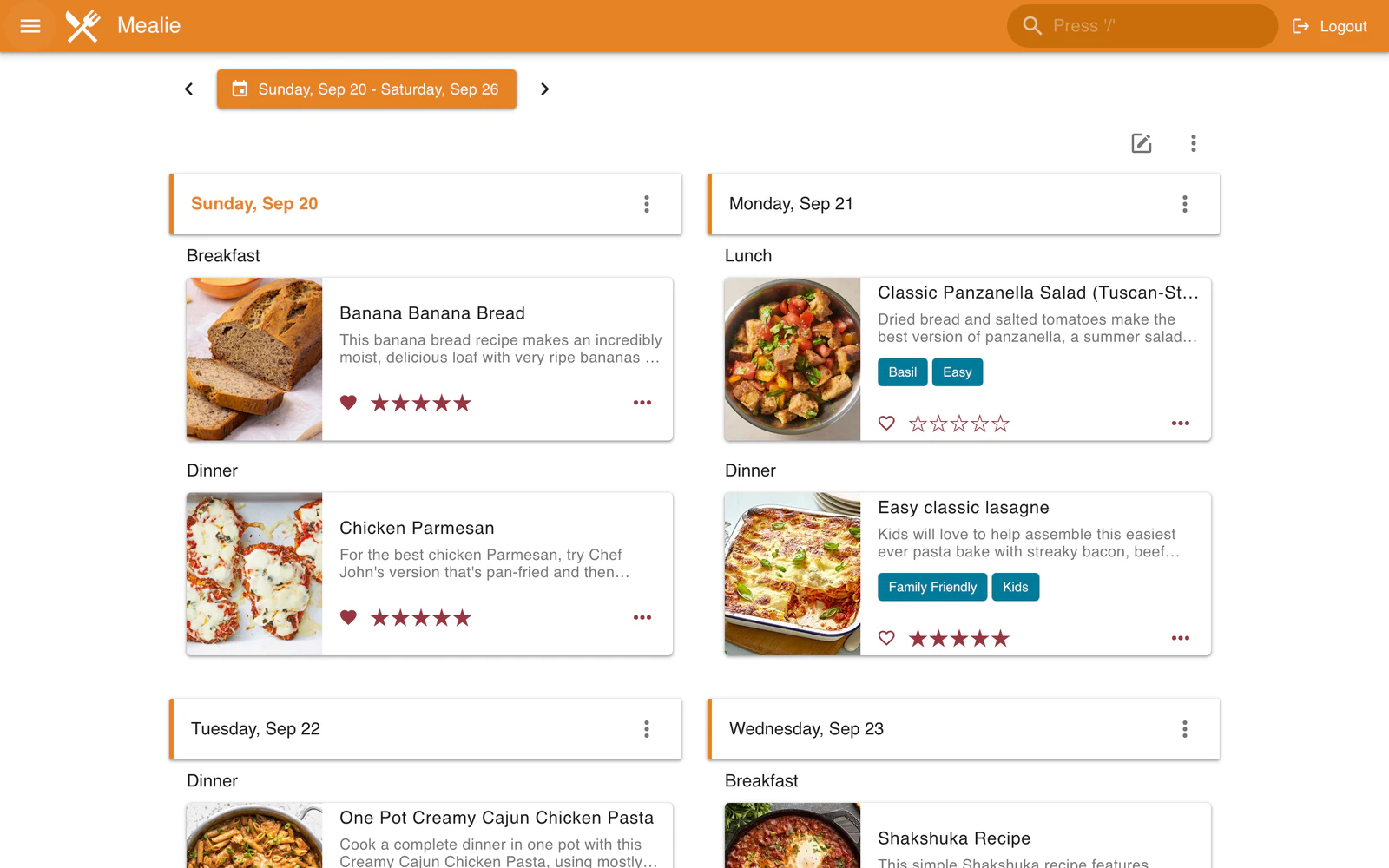
Shopping lists
Add items by hand or add every ingredient from a recipe. Use labels to keep the list organized.
Shopping list demo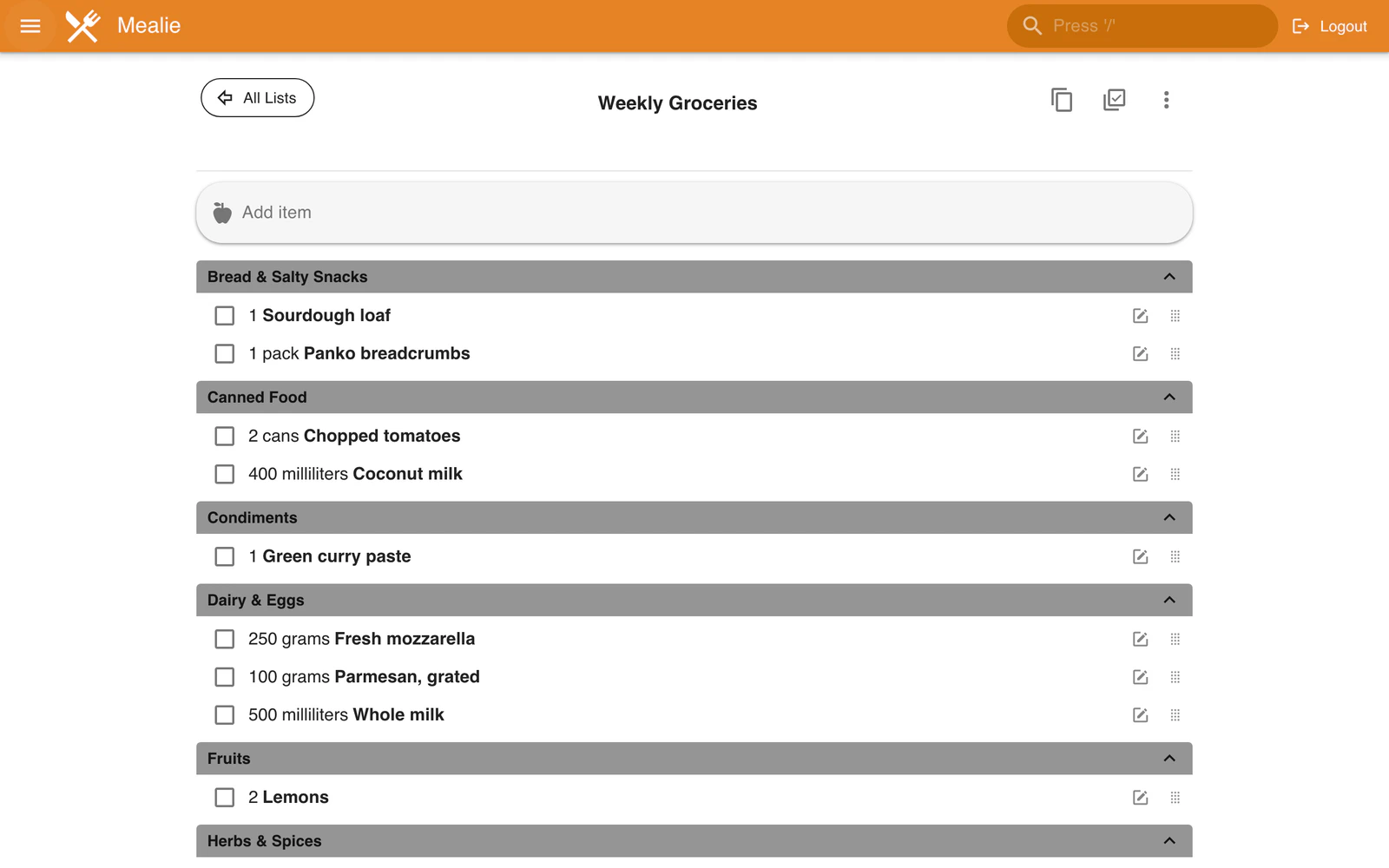
Feature overview
Recipe imports
Import recipes from supported websites with the built-in recipe scraper.
Backups and restores
Create and restore full installation backups from the admin page.
Recipe editor
Create and edit recipes in the web app. The editor supports Markdown.
Meal planning
Plan breakfast, lunch, dinner, and snacks on a calendar.
User accounts
Invite people with sign-up links or create accounts from the admin panel.
Groups and households
Share recipes within a group while households keep meal plans and shopping lists separate.
Scheduled webhooks
Send scheduled meal plan data to other services with webhooks.
REST API
Use Mealie through its REST API and interactive OpenAPI documentation.
Import from other apps
Move an existing recipe collection into Mealie from any of these supported apps.
Tandoor
Nextcloud Cookbooks
Paprika
Chowdown
Plan to Eat
Recipe Keeper
Copy Me That
My Recipe Box
DVO Cook'n X3
Technology stack
Vue.js
Vuetify
FastAPI
Docker